
A global financial services organization used Coworker to streamline campaign creation.
Processes that previously required extensive coordination across teams are now targeted to move from 116 days to 5 days.
Your always-on AI‑powered teammate.
Whether you're building a journey, creating an audience, or orchestrating end-to-end campaigns spanning timelines and teams, CX Enterprise Coworker helps you get it done faster and with more precision.
Built for the way CX teams work
Coworker helps teams plan, coordinate, and complete work across customer experience and marketing workflows.
From goals to orchestrated action.
Coworker operates across the breadth of CX orchestration, designing, diagnosing, coordinating, and preparing action wherever the customer lifecycle takes you.
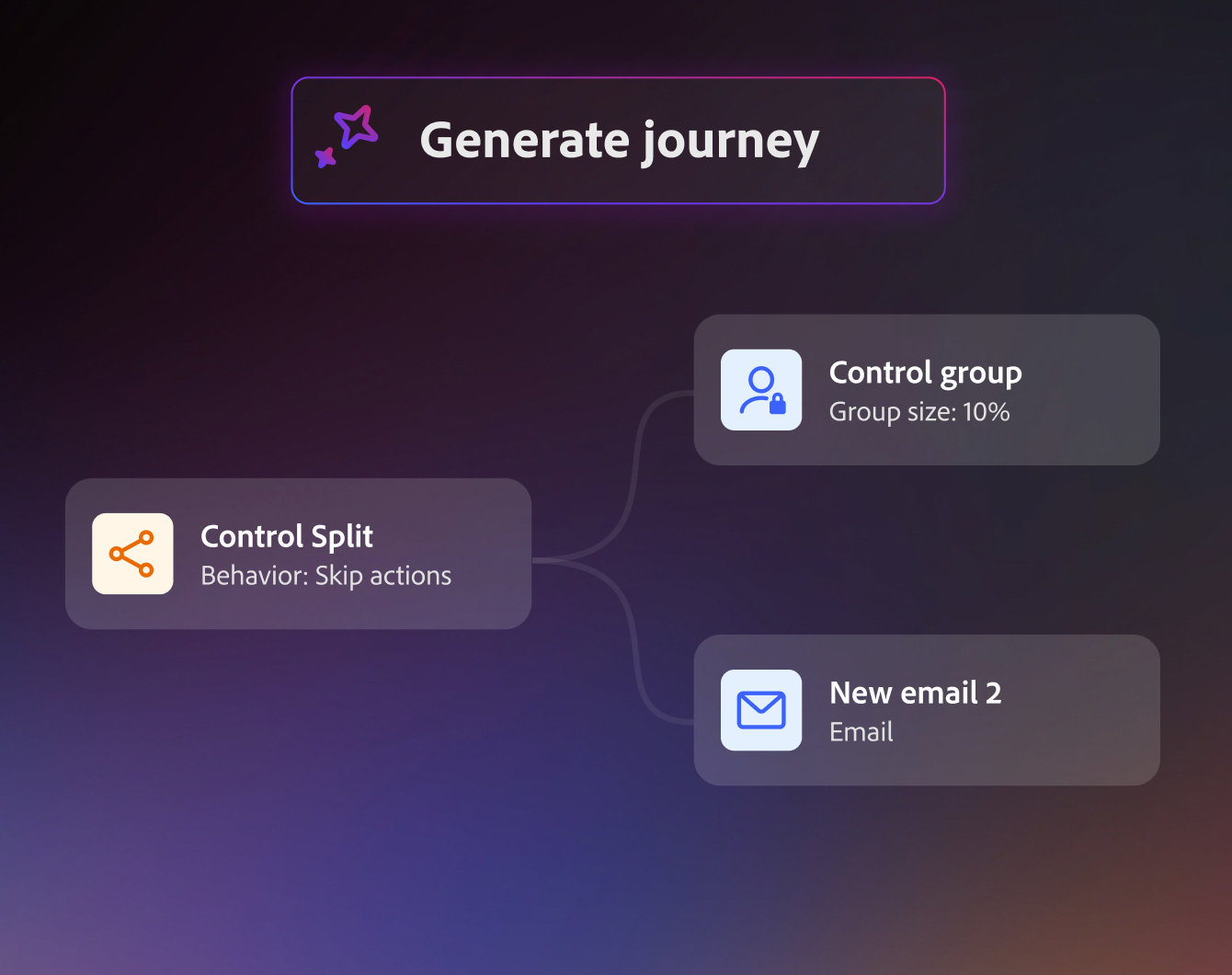
Build journeys from a simple brief
Start with a goal such as improving onboarding, increasing loyalty, or reducing cart abandonment. Coworker can help identify the right audience, recommend a journey structure, highlight potential issues, and prepare the journey for review.
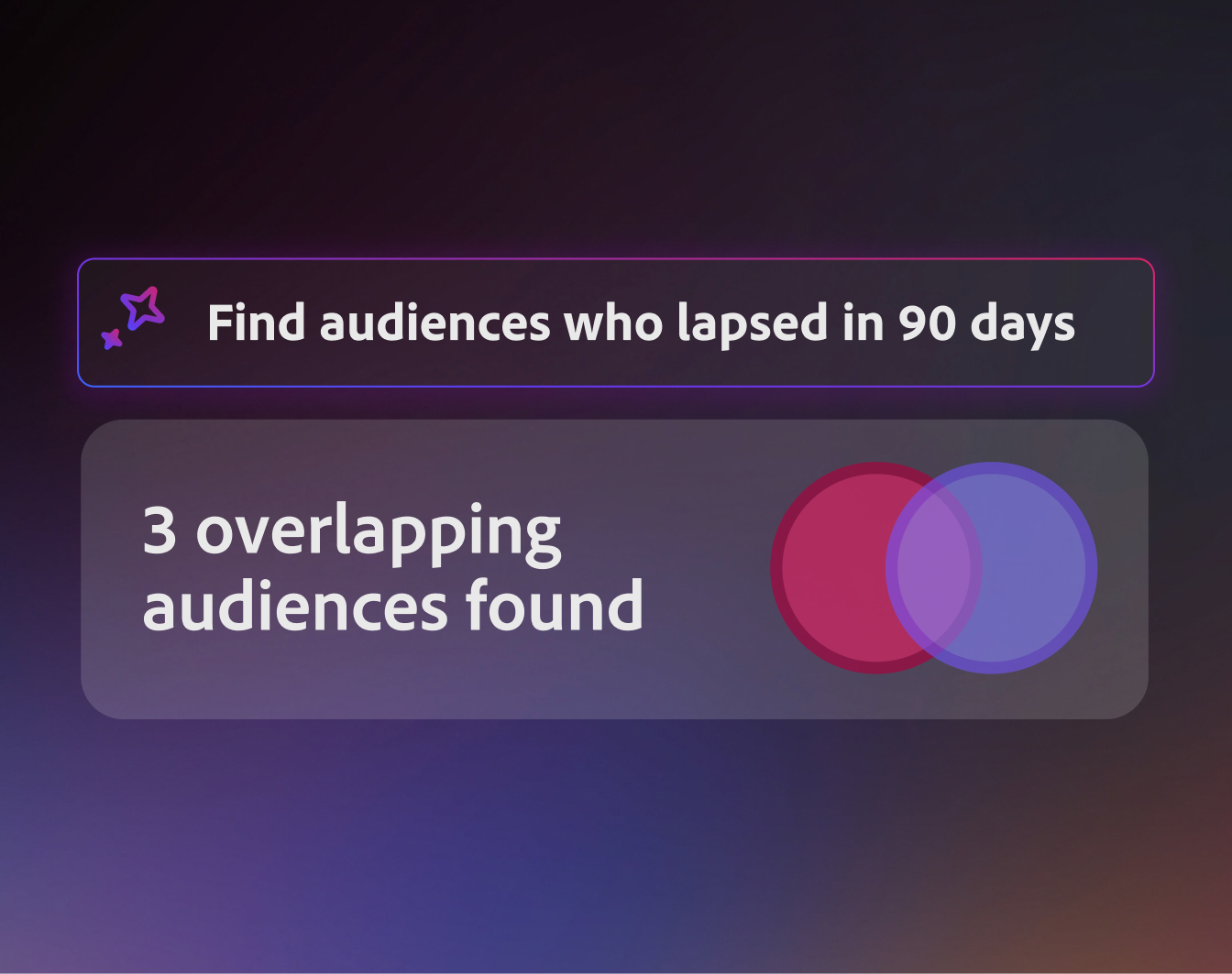
Discover and refine audiences
Explore available customer data, understand audience composition, identify overlap between segments, and prepare audiences for activation.
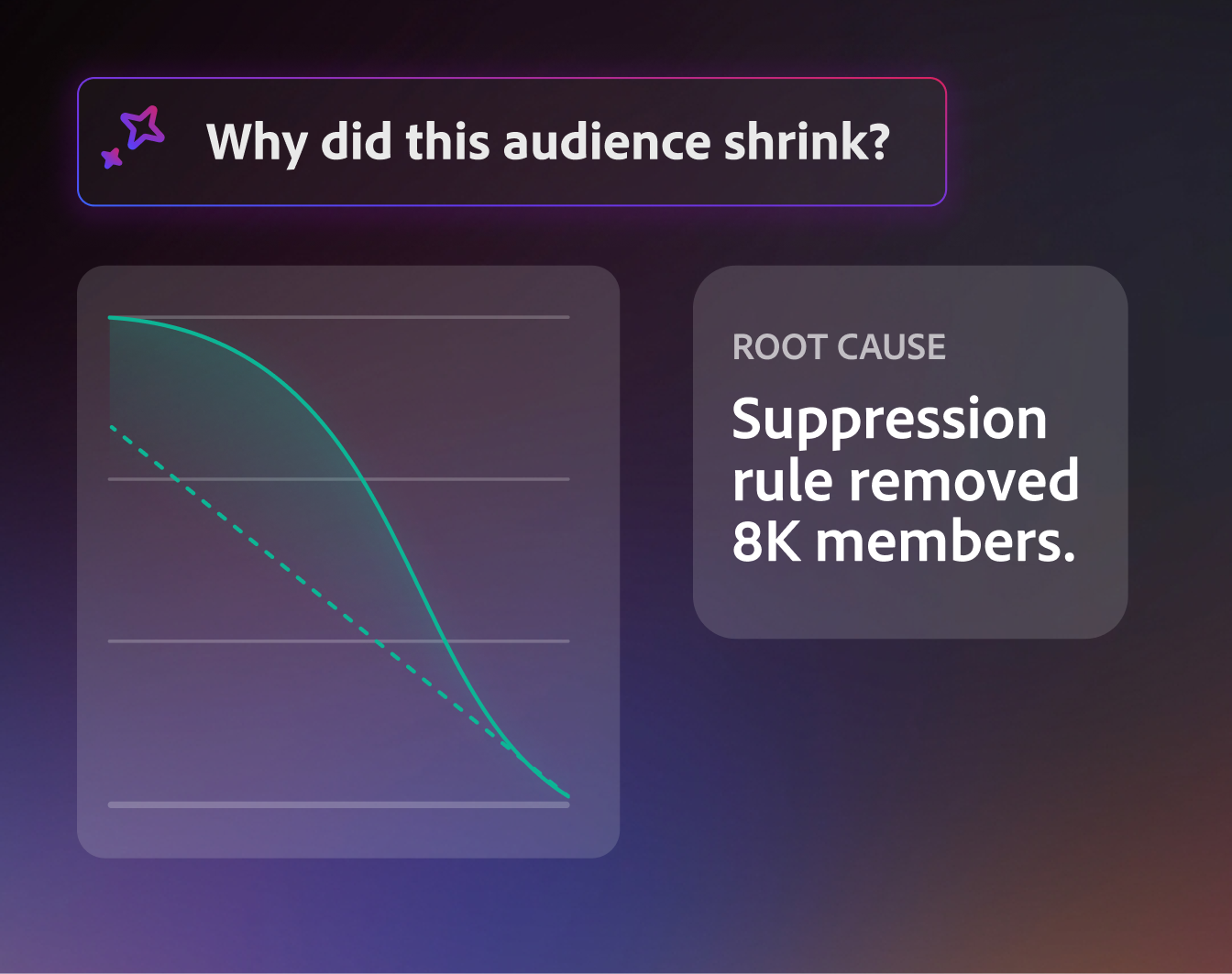
Investigate and resolve issues
When an audience changes unexpectedly, a dataset fails to ingest, or an activation doesn't perform as expected, Coworker helps surface likely causes and recommends next steps.
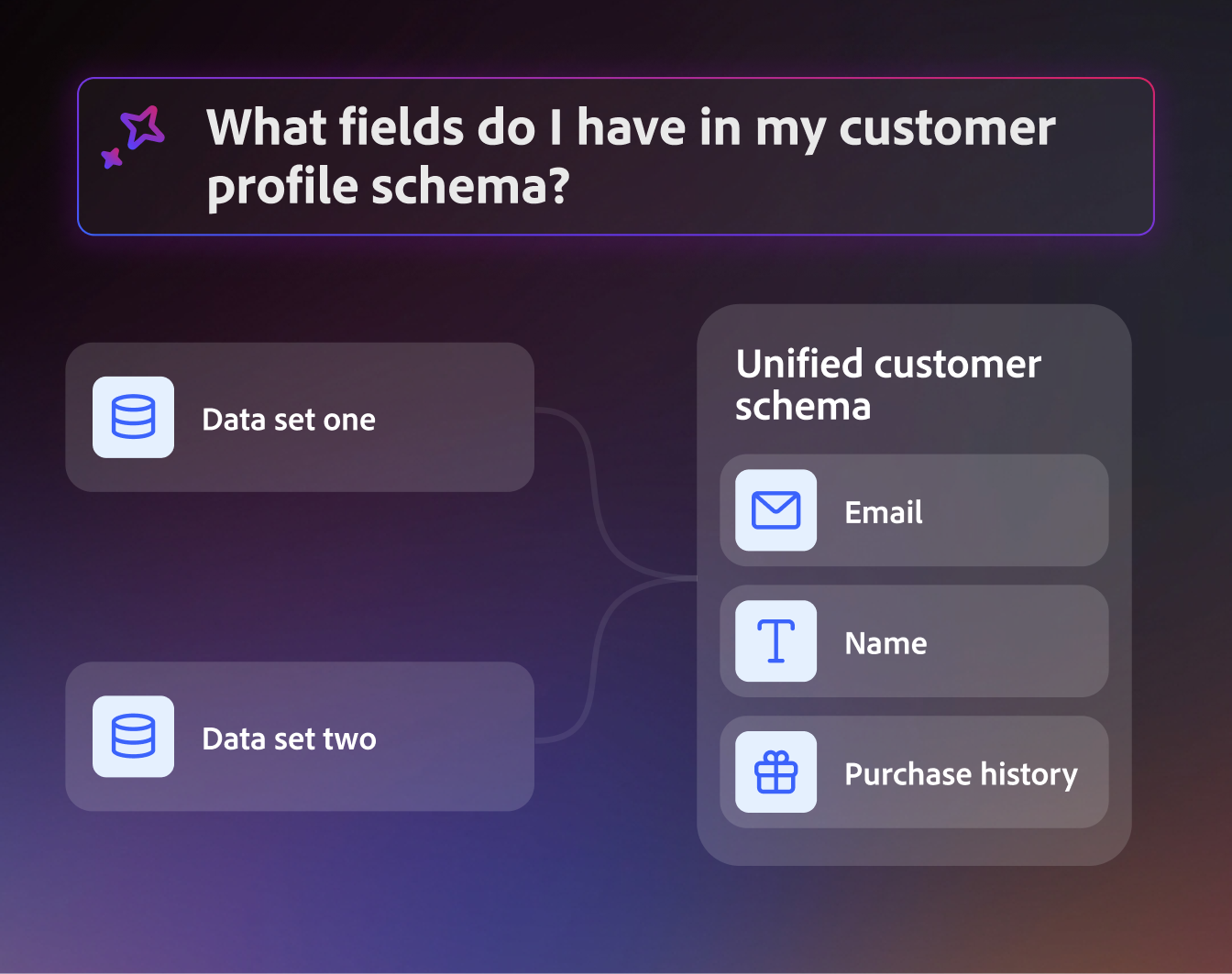
Understand your customer data
See how datasets, schemas, audiences, journeys, and destinations connect across your environment. Quickly understand where information comes from, how it's being used, and where gaps may exist.
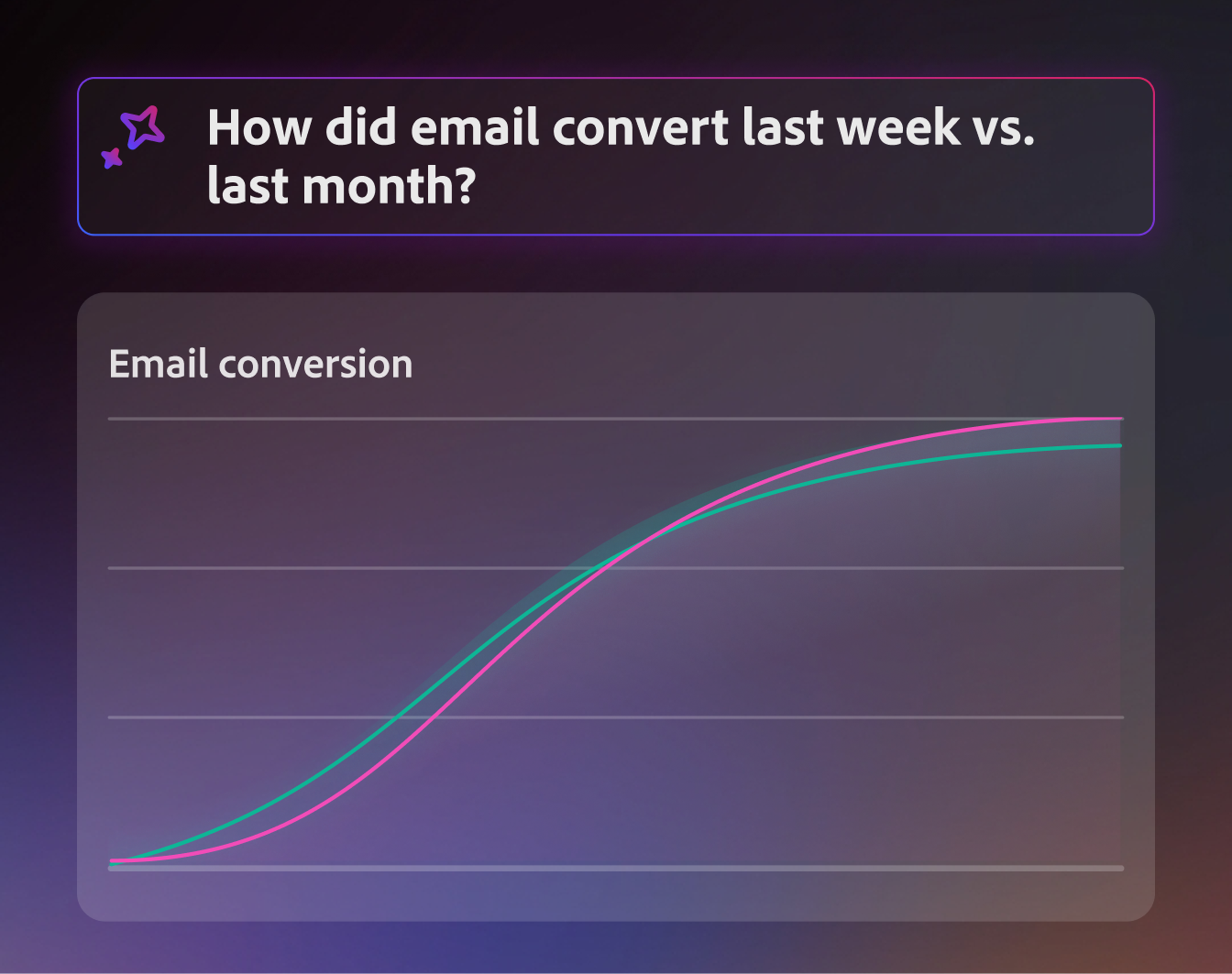
Analyze performance
Review metrics across channels, examine conversion paths, and understand trends over time to help guide future decisions.
What our customers are saying.
Common questions about Adobe CX Enterprise Coworker.
What is CX Enterprise Coworker?
Coworker is an always-on AI-powered teammate keeping CX and marketing work moving. You describe a goal in natural language, and it can help plan, execute, validate, and return work for review.
How does the transition from AI Assistant work?
Coworker is an evolution of AI Assistant, retaining the conversational experience while adding deeper Coworker building blocks and capabilities for planning and execution such as agentic harness and skills, business context, memory, governance, collaboration, and more.
Who can access it, and how do I sign up?
Eligible CX Enterprise organizations in an existing trial and licensing pathway will gain access, and their users are notified inside CX Enterprise so no action is needed to begin. If your organization isn't enrolled yet, reach out to cx-coworker-questions@adobe.com for further assistance.
How is usage billed?
If your organization is in a licensing or credit-based trial pathway, your Coworker usage will draw from your organization's remaining free or licensed AI Credits. During this introductory period, prompts consume credits at a rate of 25 AI Credits per prompt. This is an introduction credit rate and will be followed by a standard rate card at a later date, with self-service monitoring and reporting on the AI credits usage. In the meantime, you can monitor your organization's AI Credits consumption through the Adobe Experience Platform license usage dashboard.
If your organization is in a time-bound trial, you will gain access to Coworker capabilities at no charge for the remaining of your license term duration.
Does Coworker change my permissions?
No. Coworker works under user guidance and oversight, and it respects the access controls already defined in the underlying CX Enterprise applications, which means that users can only take actions they are already permitted to take.
How do I revert to AI Assistant?
If you'd prefer to revoke your organization's access to Coworker and revert to AI Assistant, send a request to cx-coworker-questions@adobe.com for consideration.
Where can I learn more about Coworker?
Please refer to Coworker documentation here for more information on the building blocks, capabilities, UI guide, and key use cases.
Questions on CX Enterprise Coworker? Contact cx-coworker-questions@adobe.com